Upload and list selection passed: the entry appeared in the list and could be selected. Animation playback was not tested.
Atlas and file details
What this pet includes
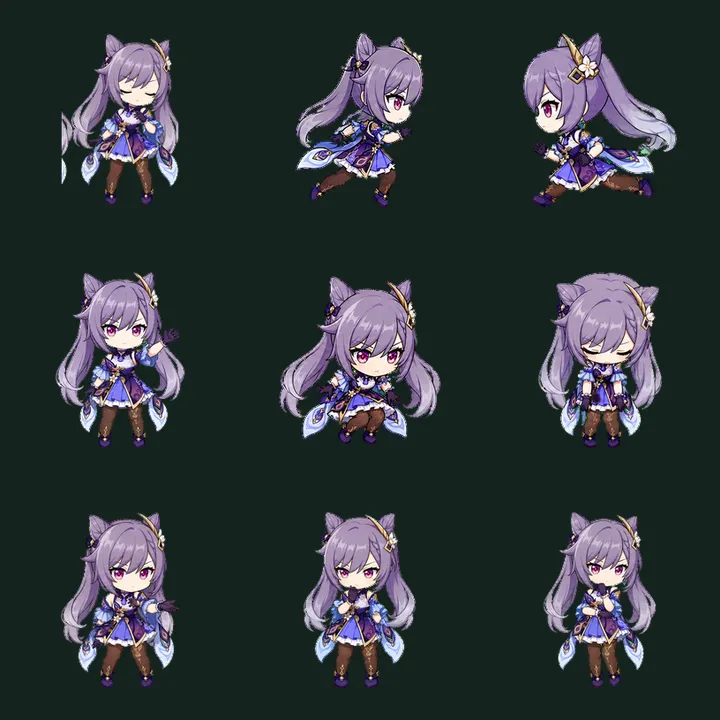
One static frame from each populated action row.
idle7 of 8
running right8 of 8
running left8 of 8
waving4 of 8
jumping5 of 8
failed8 of 8
waiting6 of 8
running6 of 8
review6 of 8
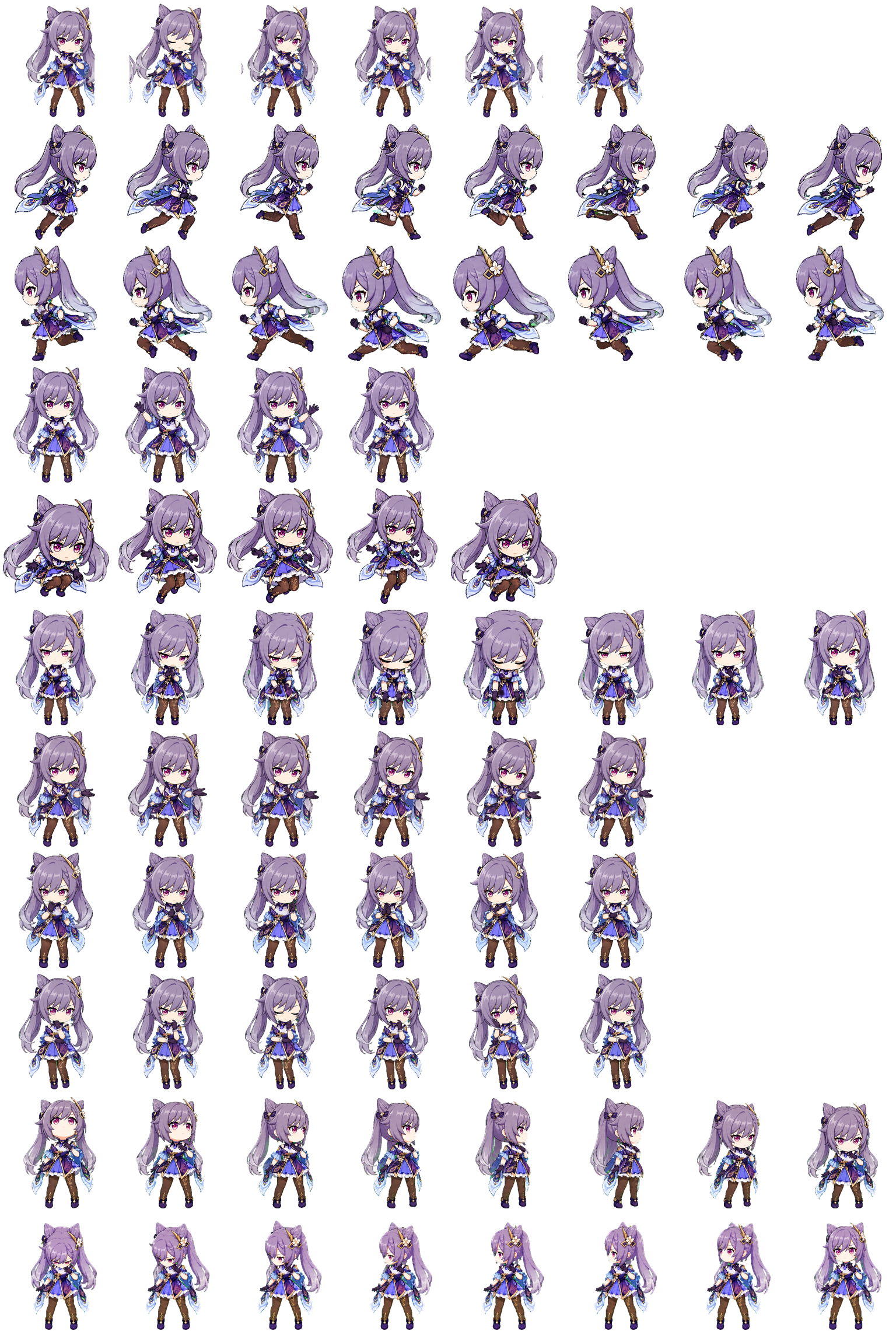
V2 extra rows: 16 of 16 cells contain pixels. They are outside the nine standard actions.
Measured atlas
V2 · 8×11 · 1536×2288px
Sprite sheet
spritesheet.webp · 3.0 MB
Transparency
Transparent pixels present
Populated action cells
58 of 72 cells contain pixels across 9 of 9 rows
Cell occupancy and transparency come from a pixel scan of the source sprite sheet. The download builder checks the package manifest and target atlas rules; it does not run the destination app.
ChatGPT Web sprite sheet
Steps for ChatGPT Web upload
1
Download the ChatGPT sprite sheet above.
2
In ChatGPT web, open Settings → Personalization → Pet → Upload pet.
3
Select the downloaded 1536×2288 WebP. ChatGPT web upload does not use the Codex ZIP or CLI command.
Copy the setup command above and paste it into your terminal.
2
The CLI validates the Petdex package and preserves the creator, license, and target metadata.
3
If installation fails, check the terminal message. Diagnose the installed files with pets doctor genshin-impact-keqing --target petdex to verify the install.
4
Open Petdex separately; the desktop application is not bundled in this ZIP.
Using Claude Code, Gemini CLI, or another tool?
This package is for the separate Petdex renderer. It does not install the renderer or change any coding tool.
Tool compatibility & troubleshooting
Codex CLI: use /pets or /pet. Requires iTerm2 3.6+, Kitty graphics, or Sixel support. Not available inside tmux or Zellij. The IDE extension has no pet picker.
Claude Code, Gemini CLI, OpenCode, Copilot CLI and Cursor: choose the matching adapter above. It contains the target-bound integration descriptor; install the Pet Studio CLI and the separate Agent Pets renderer when the README requests it. Do not use the Codex ZIP for these tools.
Agent Pets, Petdex and Clawd on Desk: these are separate desktop applications. Use their compatible package and installer, not a native pet setting in your coding tool.
Claude Desktop chat: it is not Claude Code and is not a supported pets target. Use the Claude Code hooks export for local coding sessions.